
Let customers explore your product options.
Create an interactive 3D configurator for colours, finishes, variants, accessories and optional parts without custom development.
Simple Configuration
Create the options your customers need.
Use simple controls to let customers change the product, compare alternatives and find the configuration that suits them.
Simple controls
Create buttons and selectors for colours, finishes, accessories, visibility and other product options.
Product variants
Switch between different parts, assemblies and product versions within the same presentation.
Interactive exploration
Let customers change options and inspect the result from any angle in real time.
API integration
Use the Viewer API to connect product selections to your own forms, website controls and business workflows.
See It in Action
Make product options easy to see and understand.
Give customers clear controls and immediate visual feedback as they explore the available product options.
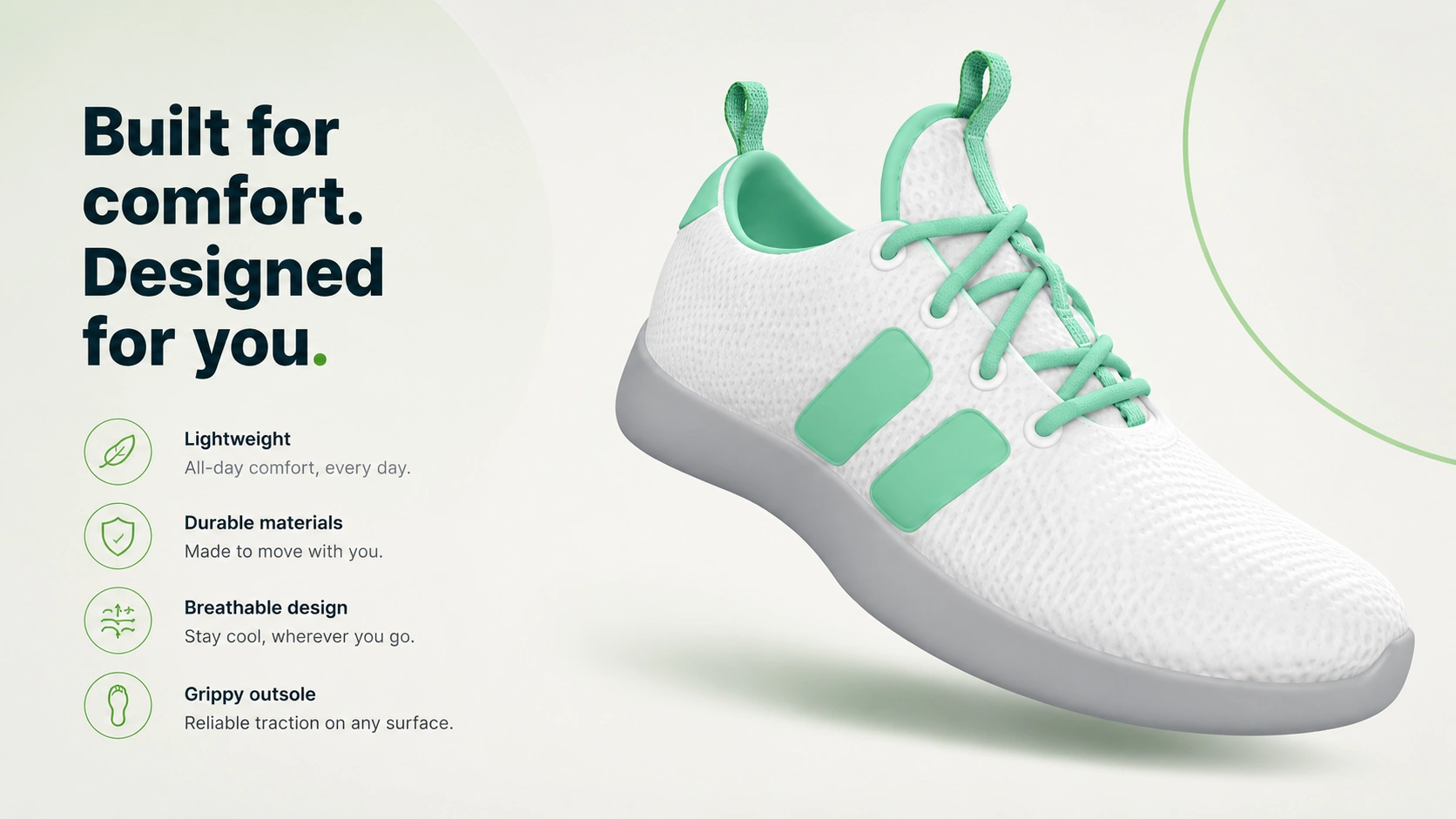
Product controls
Add controls for colours, finishes, accessories, visibility and other product options.
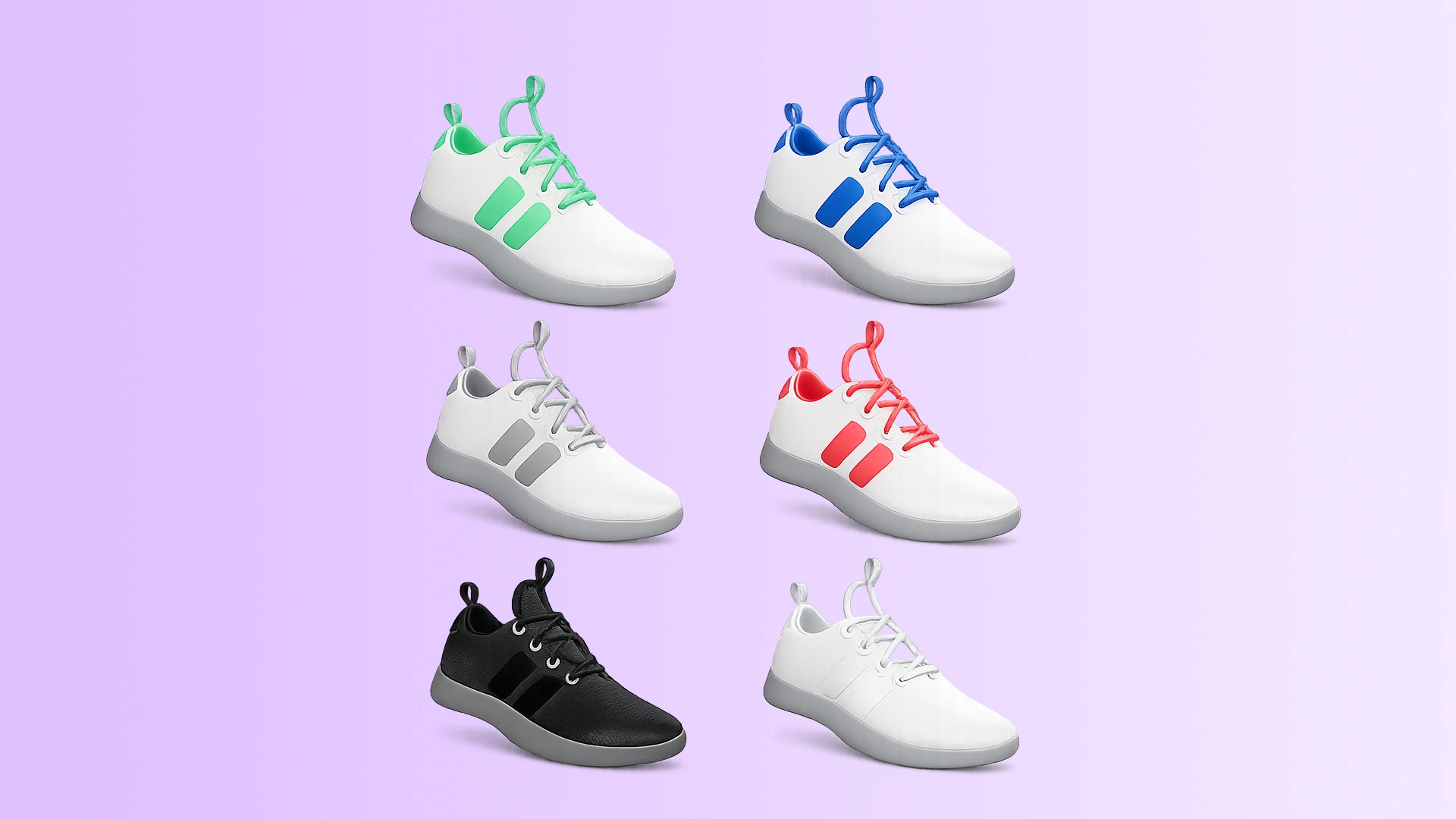
Switch between variants
Let customers move between product versions and compare the differences interactively.
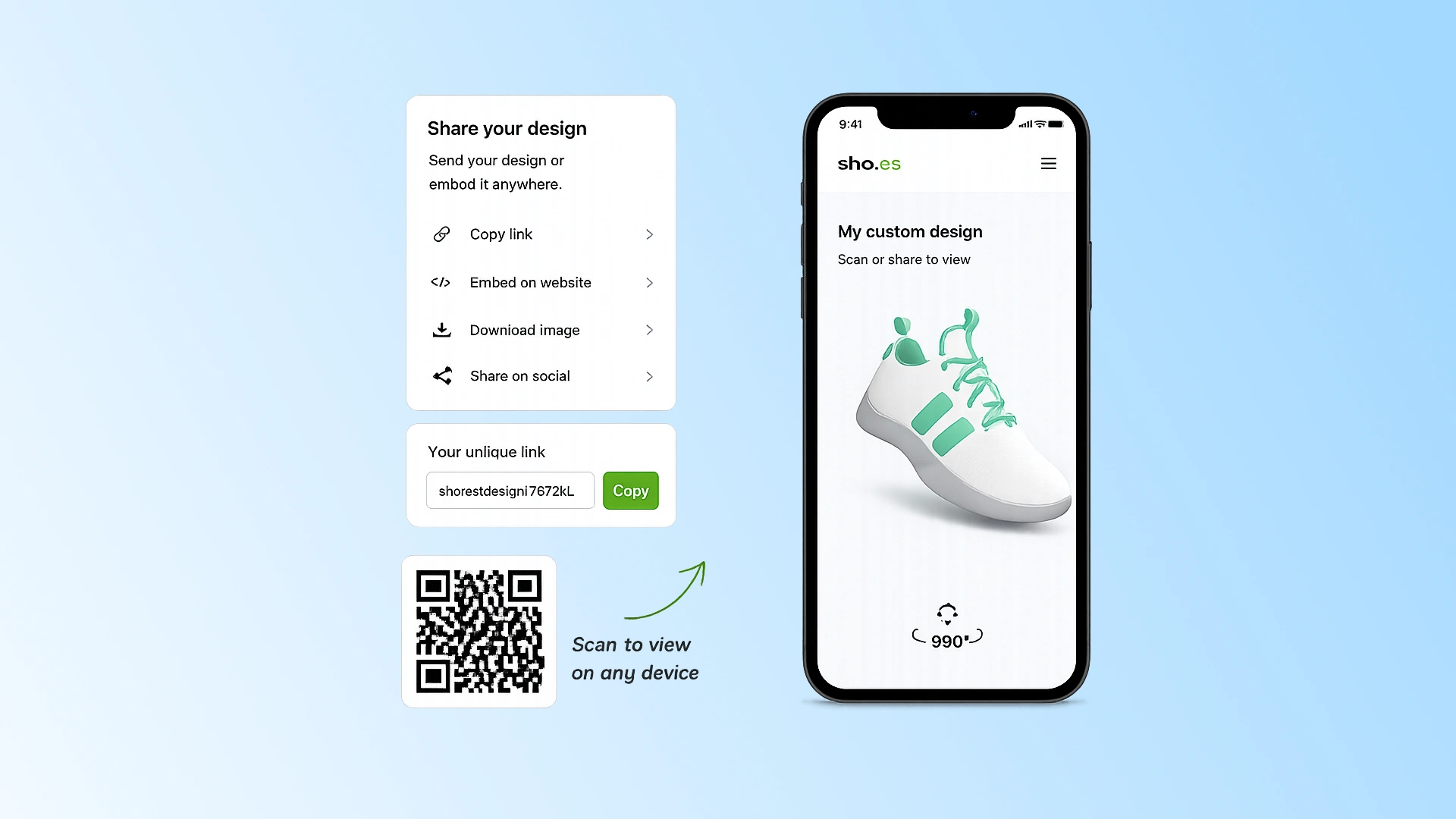
Connect to your workflow
Use the Viewer API when product selections need to connect with forms, quote requests or other website functionality.
SIMPLE BY DESIGN
Easy to use. No CAD experience required.
3DVizi is designed for anyone to use. Sales and marketing teams can create interactive product experiences without CAD expertise, specialist skills or expensive training courses.
STEP 1
Add to your library
Bring your product into 3DVizi directly from one of the CAD add-ins, or import a neutral format such as glTF.
STEP 2
Create the experience
Refine appearances, set camera views, capture snapshots, and add controls that help your audience explore and understand the product.
STEP 3
Share it anywhere
Publish a unique URL, create a QR code, or embed the presentation on your own website for your audience to explore.
No-code and API configuration
Build a configurator without code, then go deeper with the API.
Use built-in controls for colours, finishes and optional parts. When you need more control, the easy viewer API can connect the model to custom UI, quote flows, portals or campaign pages.
Finish options
Let a buyer compare material and colour choices without opening CAD.
Optional parts
Show accessories, modules and product options in the same presentation.
Best Fit
For products with options customers need to see.
When colours, finishes, accessories or product variants affect the buying decision, let customers explore the differences for themselves.
Product Selectors
Let customers compare options before making an enquiry or requesting a quote.
Sales Demonstrations
Configure the product live while discussing requirements with a customer.
Product Launches
Create a focused configurator for a new product, option range or collection.
Quote Workflows
Connect selected options to your own forms or workflows using the Viewer API.
FAQ
Questions before you start?
A few practical answers about creating interactive product configurators with 3DVizi.
Yes. Use the 3DVizi add-ins for Onshape and SOLIDWORKS, or export a GLTF/GLB and import it.
Yes. You can share a direct link or embed the viewer into product pages, launch pages, proposal pages and distributor portals.
Yes. 3DVizi supports no-code configuration controls for finishes, colours, visibility and accessories, with API control available for more custom logic.
Use the API when the 3D presentation needs to connect to a quote flow, custom product selector, portal, campaign page or another system that should drive the model.
Yes. Password protection is available on paid plans, so sensitive product presentations can be controlled before a wider release.
No. 3DVizi focuses on visual product configuration and presentation. It can be connected to quote forms and other workflows using embeds and the Viewer API.
Yes. A useful configurator can start with a small number of meaningful choices such as colours, finishes, accessories or optional parts.
No. Standard product options and controls can be created without code. The Viewer API is available when you need to connect the presentation to custom website functionality.
Create your first product configurator.
Choose a product with a few meaningful options and build a working interactive configurator without custom development.