
Give your partners a better way to present your products.
Provide distributors and resellers with interactive product presentations they can use in meetings, share with customers or embed on approved websites.
Support Your Sales Channel
Give every partner access to the same product presentation.
Replace collections of screenshots, renders and large files with a presentation that partners can open, present and share from a browser.
One shared presentation
Give partners a single product presentation instead of distributing separate images, videos and model files.
Private access
Use password protection for partner-only products, regional launches and pre-release information.
Easy to distribute
Share presentations using a direct link or QR code, or embed them into partner websites and portals.
Explain product options
Let partners demonstrate variants, colours, finishes and accessories without needing access to CAD software.
Built for Partner Networks
One presentation, available wherever your partners sell.
Give distributors and resellers an interactive product presentation they can use on websites, in customer meetings and at events.
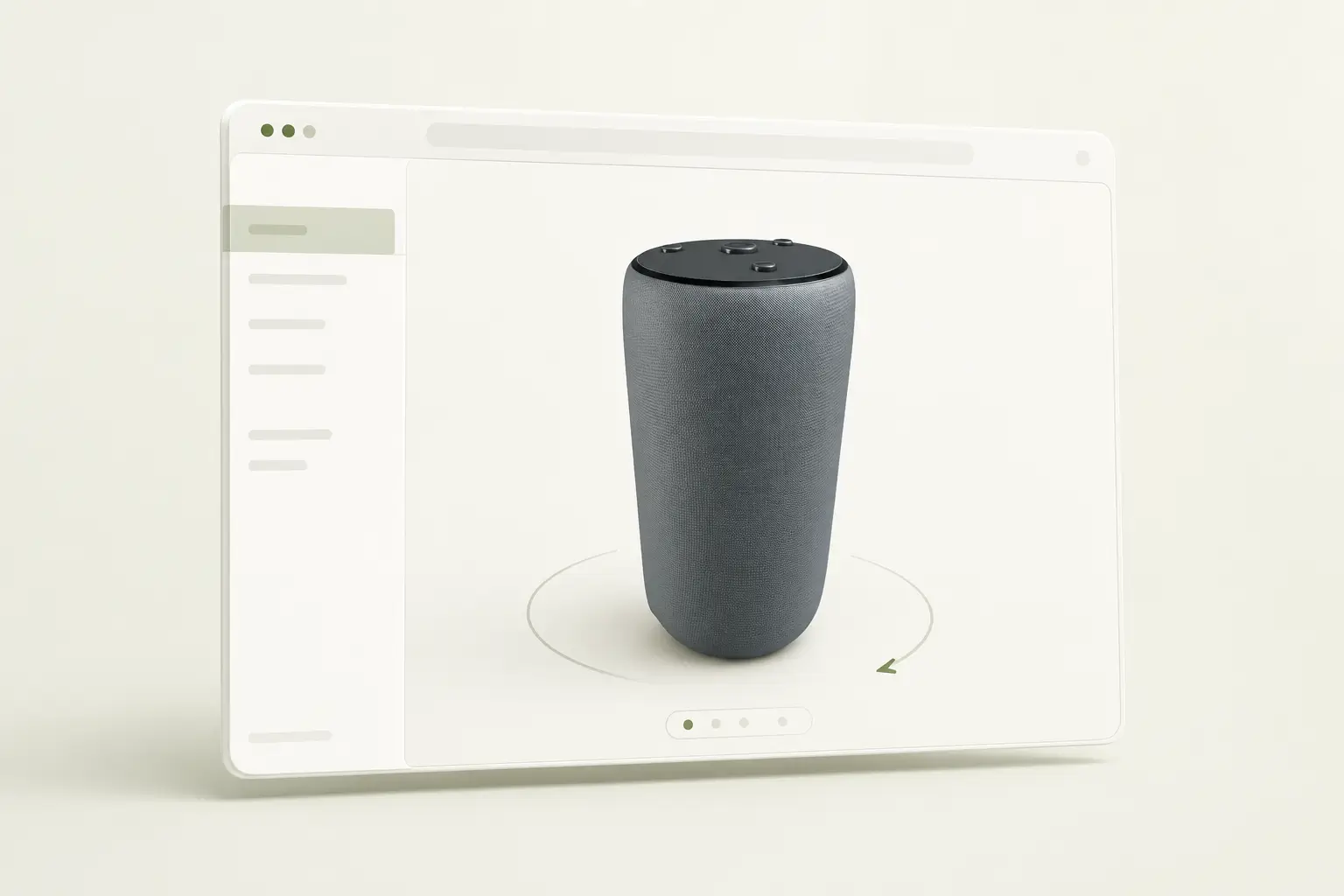
Partner portals
Embed interactive product presentations into distributor and partner portals.
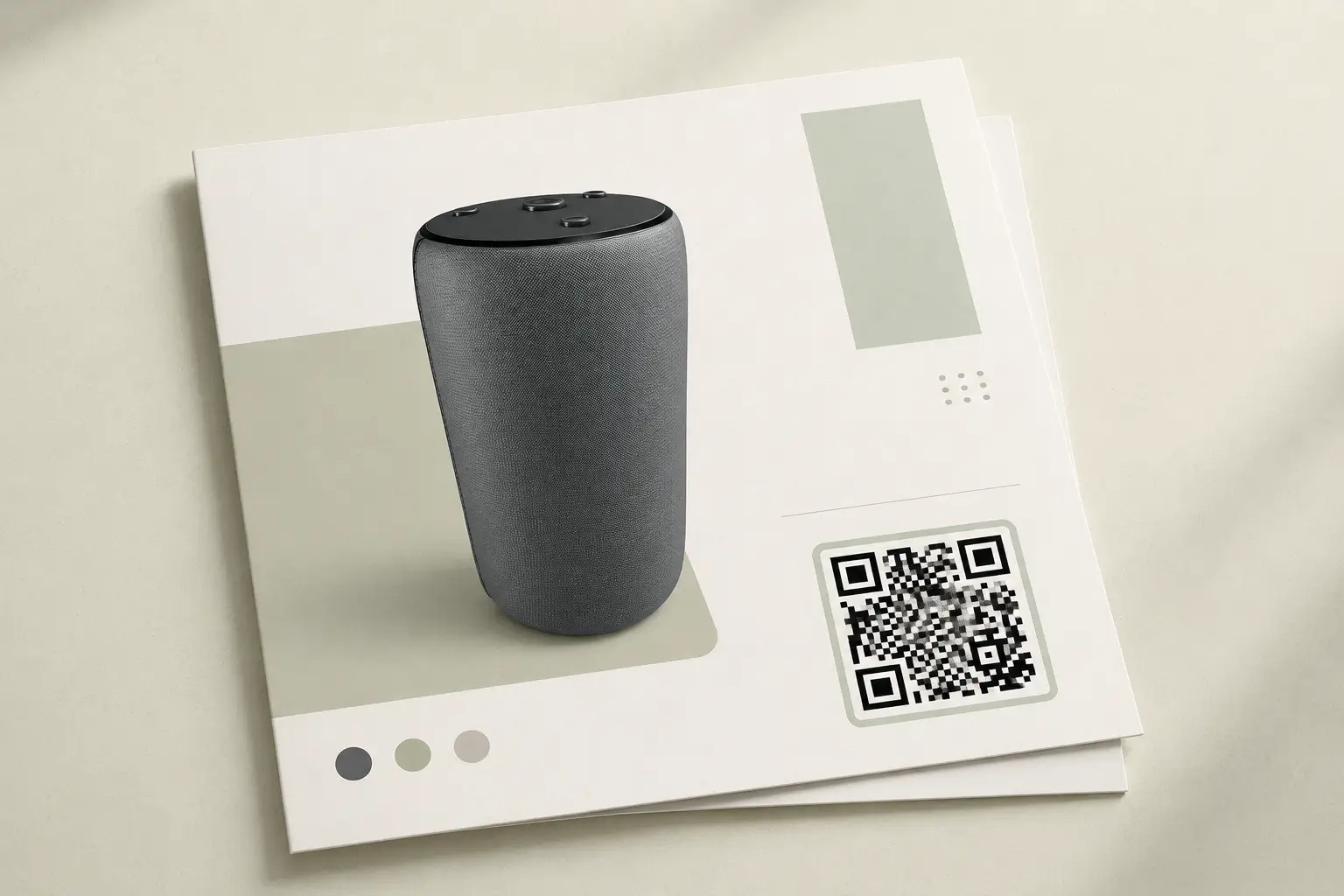
Printed sales material
Add QR codes to brochures, sell sheets and showroom material so customers can open the presentation on their own device.

Private product launches
Share password-protected presentations with partners before a product is made publicly available.
Product ranges and variants
Show the whole range without shipping a single sample.
Let customers move through product lines and styles in one view. Every option loads the real model, so what they compare on screen is what they receive.
Product range
Switch between product lines and the scene updates with them — every option is the real model, not a photo.
Style
Each range carries four styles. Buyers compare them side by side without waiting on a sample or a render.
SIMPLE BY DESIGN
Easy to use. No CAD experience required.
3DVizi is designed for anyone to use. Sales and marketing teams can create interactive product experiences without CAD expertise, specialist skills or expensive training courses.
STEP 1
Add to your library
Bring your product into 3DVizi directly from one of the CAD add-ins, or import a neutral format such as glTF.
STEP 2
Create the experience
Refine appearances, set camera views, capture snapshots, and add controls that help your audience explore and understand the product.
STEP 3
Share it anywhere
Publish a unique URL, create a QR code, or embed the presentation on your own website for your audience to explore.
Where It Fits
Support partners wherever they sell your products.
Give distributors and resellers product presentations they can use in customer meetings, on websites, at events and during product launches.
Customer Meetings
Let partners open the product in a browser, explain its features and demonstrate available options.
Partner Websites
Provide an approved interactive presentation that can be embedded on distributor and reseller websites.
Trade Shows & Events
Use the presentation on screens and touch devices, or share it with visitors using QR codes.
Product Launches
Give partners early access to protected presentations before a new product is made public.
FAQ
Questions before you start?
A few practical answers about sharing interactive product presentations with distributors and resellers.
Yes. Use the 3DVizi add-ins for Onshape and SOLIDWORKS, or export a GLTF/GLB and import it.
Yes. You can share a direct link or embed the viewer into product pages, launch pages, proposal pages and distributor portals.
Yes. 3DVizi supports no-code configuration controls for finishes, colours, visibility and accessories, with API control available for more custom logic.
Use the API when the 3D presentation needs to connect to a quote flow, custom product selector, portal, campaign page or another system that should drive the model.
Yes. Password protection is available on paid plans, so sensitive product presentations can be controlled before a wider release.
Yes. You can provide a shared presentation link or embed so partners have access to the same product content.
Yes. Password protection is available on paid plans for partner-only content, private products and controlled launches.
No. Published presentations can be opened and used in a web browser without CAD software or a viewer account.
Create a product presentation your partners can use.
Start with one product and give distributors and resellers an interactive presentation they can open, present and share.